Use the GraphQL API
The OSO GraphQL API exposes read-only access to your organization's data on the OSO platform: datasets, data models, notebooks, pipeline runs, and organization/user info. It's meant for integrating platform metadata into a live application, not for querying the underlying mart-model data itself.
If you want to run SQL against your organization's data (e.g. impact metrics,
project info), use the pyoso Python library
instead. For data exploration more broadly, check out the guides on
performing queries
and Python notebooks.
GraphQL Endpoint
All API requests are sent to the following URL:
https://api.oso.xyz/v1/graphql
GraphQL Explorer
You can navigate to our public GraphQL explorer to explore the schema and execute test queries.
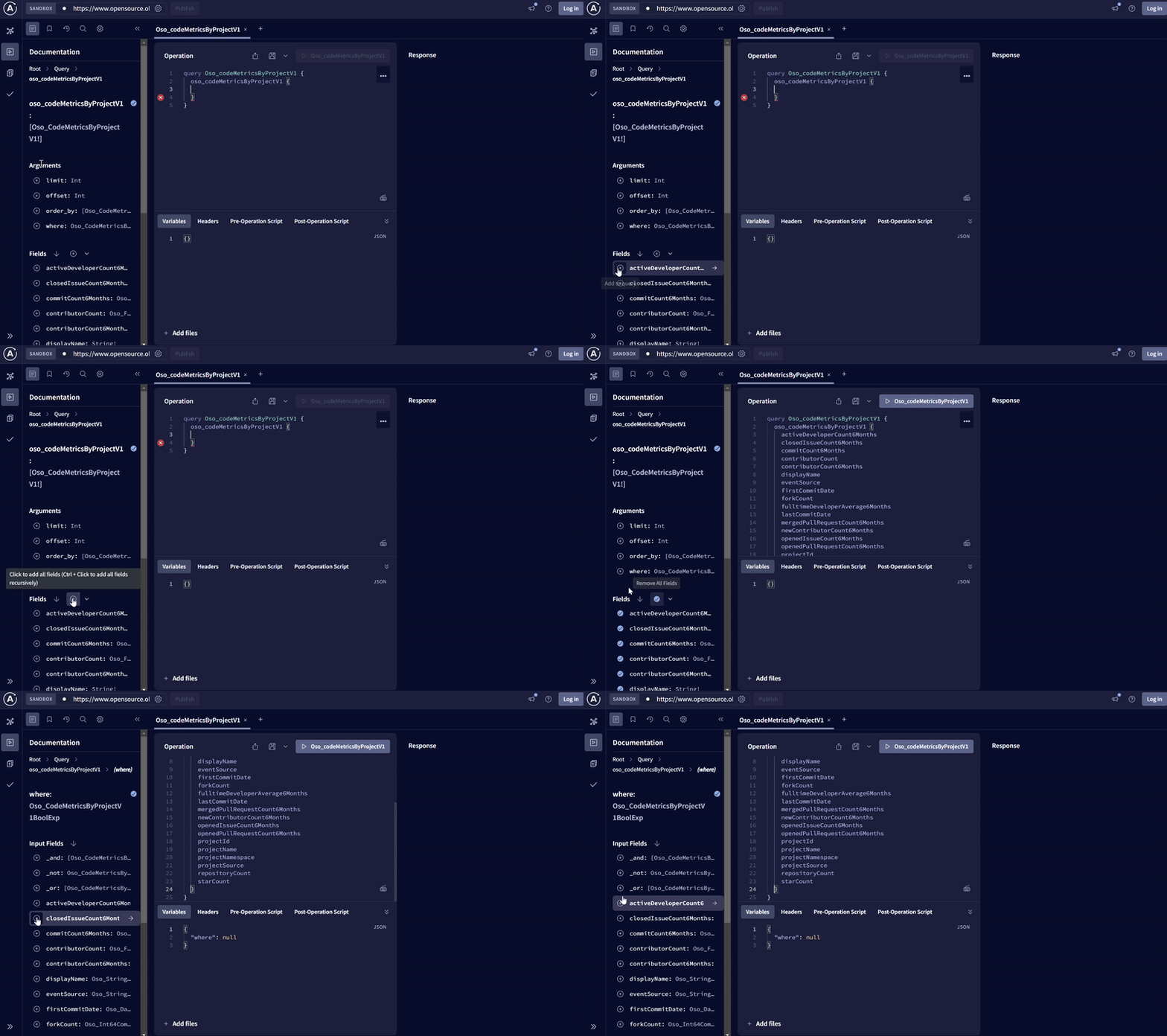
Our platform is under heavy development and all schemas are subject to change. We will monitor usage of nodes, both to ensure quality of service and to deprecate nodes that are no longer used.
Please join us on Discord to stay up to date on updates.
Example queries
This query will fetch the authenticated user and the organizations they belong to.
query GetMyOrganizations {
  viewer {
    id
    email
    fullName
    organizations(first: 10) {
      totalCount
      edges {
        node {
          id
          name
          displayName
          plan
        }
      }
    }
  }
}
This query will fetch the first 10 datasets in an organization.
query GetDatasets {
  datasets(first: 10, where: { type: { eq: "STATIC_MODEL" } }) {
    totalCount
    edges {
      node {
        id
        name
        displayName
        description
        type
        createdAt
      }
    }
  }
}
This query will fetch the first 10 enabled data models, along with the dataset each one belongs to and its latest release.
query GetDataModels {
  dataModels(first: 10, where: { isEnabled: { eq: true } }) {
    totalCount
    edges {
      node {
        id
        name
        isEnabled
        dataset {
          name
        }
        latestRelease {
          id
        }
      }
    }
  }
}
Authentication
All requests to the OSO API must be authenticated.
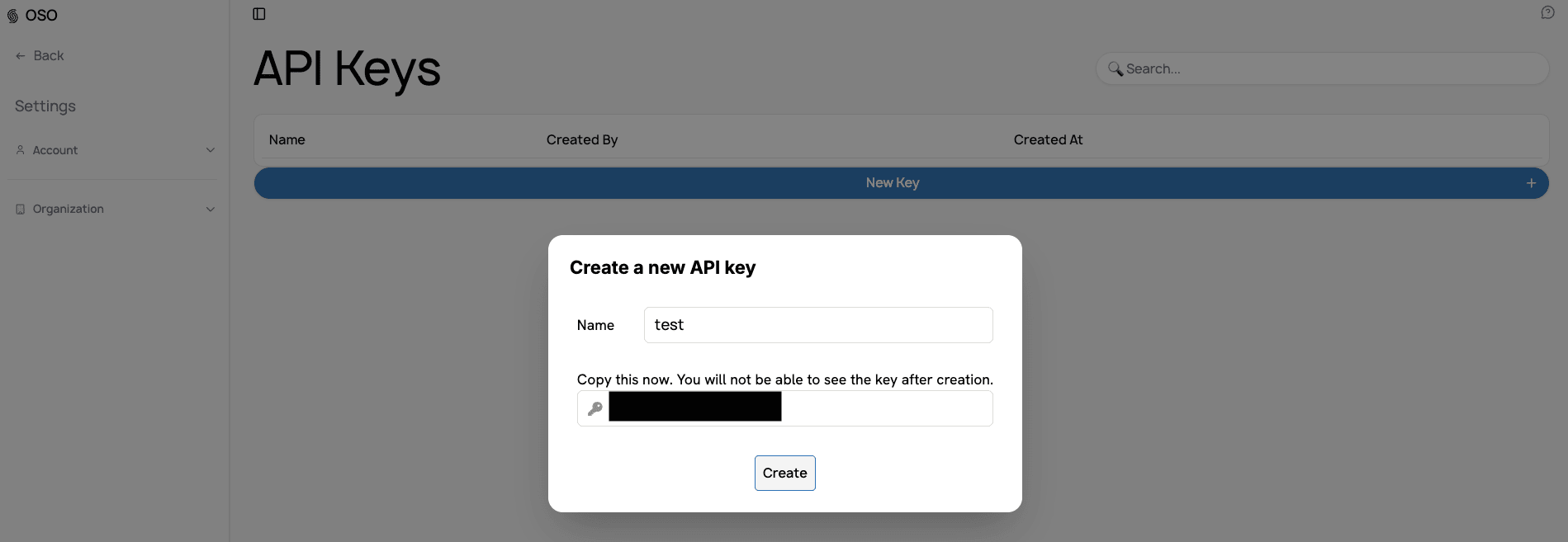
Generate an API key
See getting started with the API for API key creation instructions.
How to Authenticate
In order to authenticate with the API service, you have to use the Authorization HTTP header and Bearer authentication on all HTTP requests, like so:
const headers = {
  Authorization: `Bearer ${DEVELOPER_API_KEY}`,
};