Quickstart
Set up integrations first
Connect your data sources before you dispatch an agent. An agent can only work with what it can already see, so setting up integrations first means it has real data to act on from your very first prompt.
Integrations overview
Browse every data source OSO can connect to.
BigQuery
Connect a BigQuery dataset as a data source.
Google Drive
Connect Google Drive so OSO can index your documents.
Agents
The in-app Agents feature is only available to Pro and Enterprise tier customers. Reach out to us to get access.
Self-serve customers can still bring OSO data into their own agent: see the MCP setup guide instead.
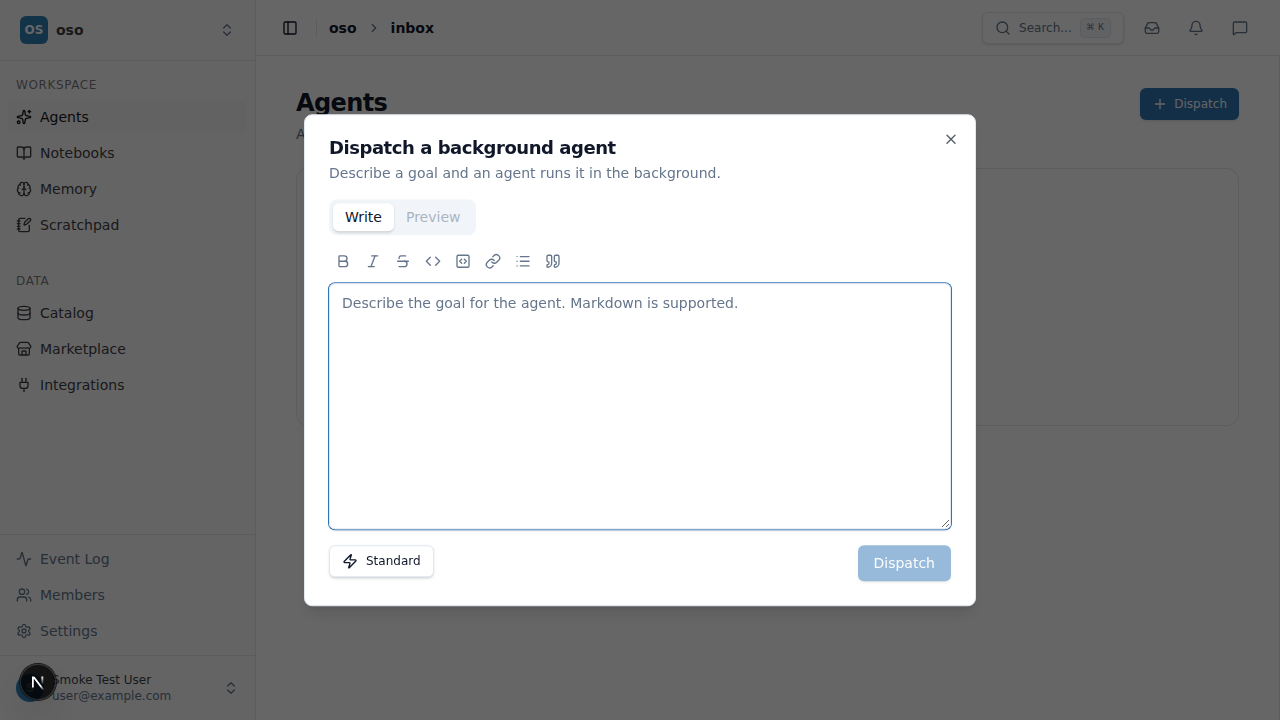
Once you're signed in to an organization, the Agents page is where you dispatch background agents to work on a goal against your data. Open Agents in the workspace sidebar to see agent runs as they work.
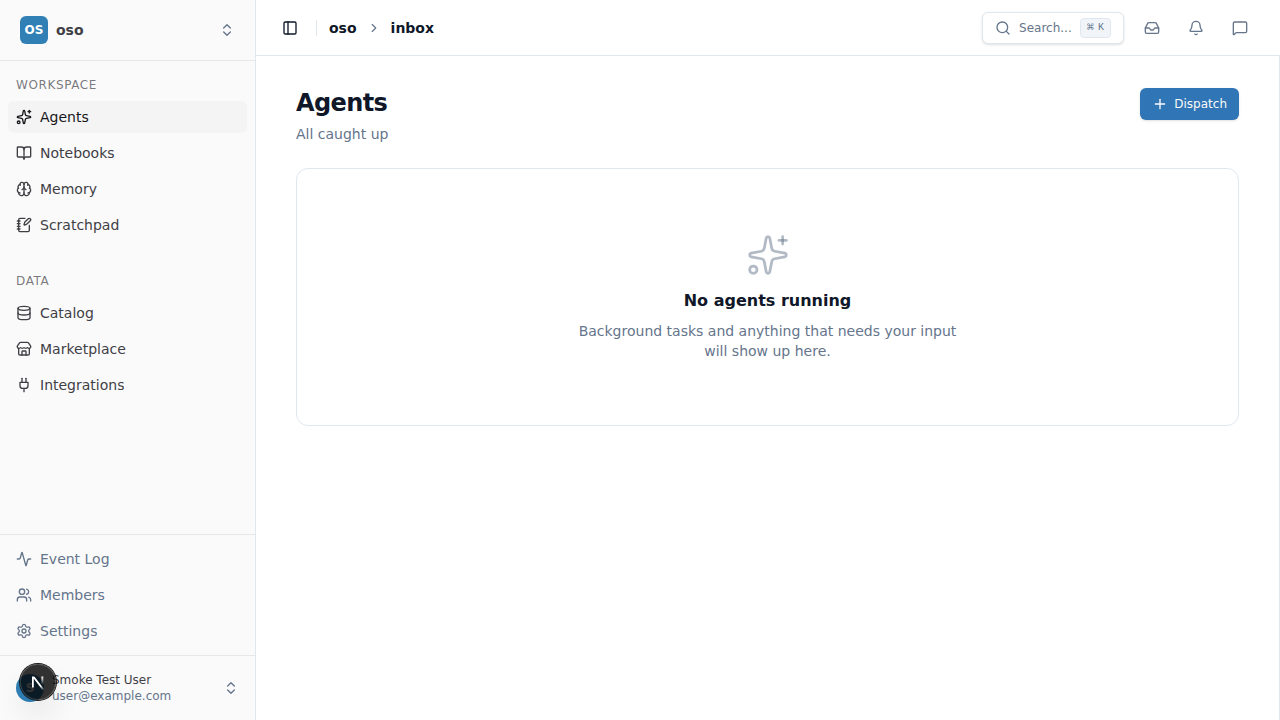
Dispatch a background agent
Click Dispatch, describe a goal in natural language, and an agent picks it up and runs it in the background.